RePivot
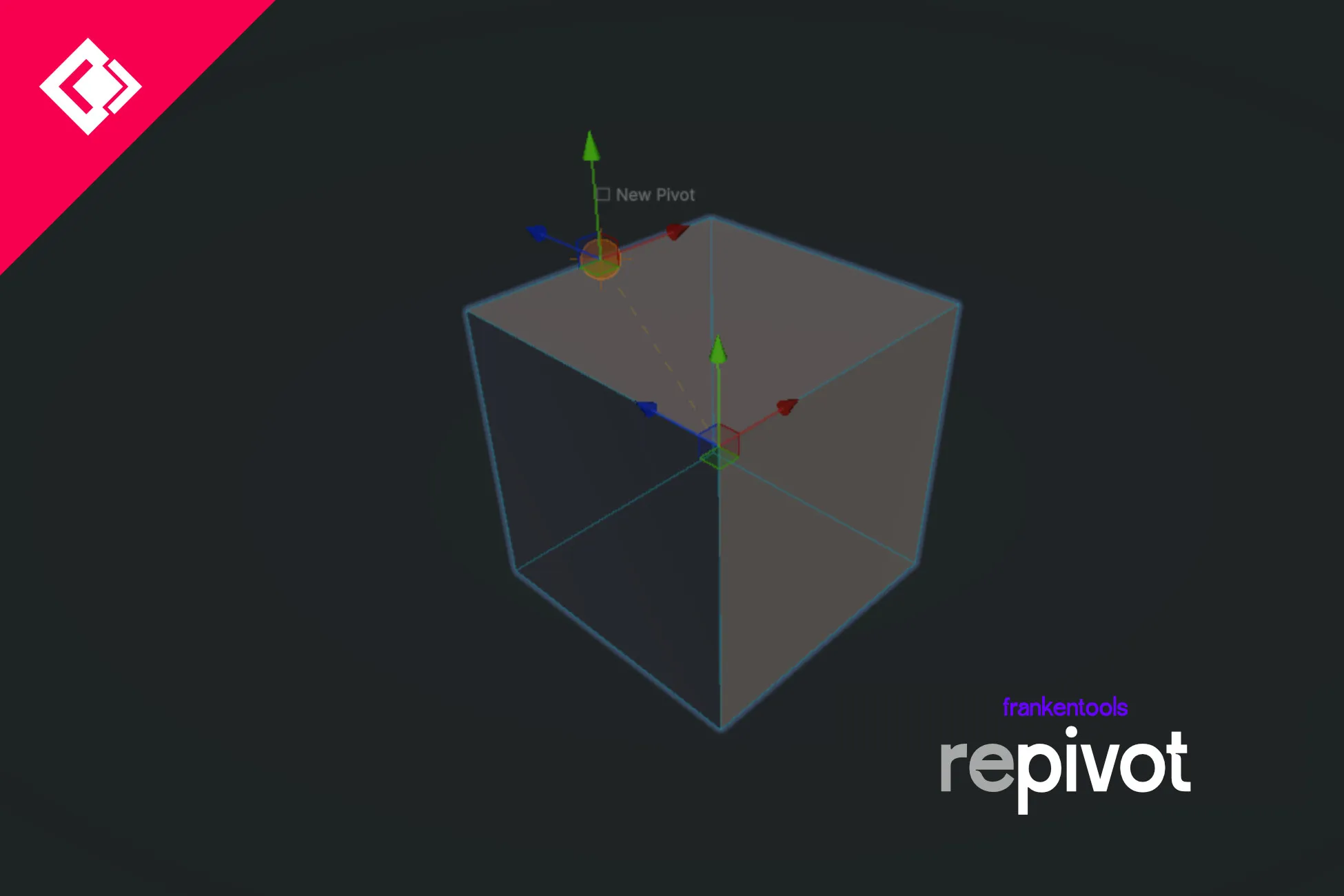
RePivot moves a GameObject’s pivot in the Scene View by parenting it to a new object placed where you want the pivot. The mesh is left alone.
A user wrote: “Before i did it by hand […] now i can do this by 2 clicks”. Tested on Unity 6 (6000.0.67). It skips UI objects with a RectTransform, and a prefab instance has to be unpacked first (one click in RePivot).
Requirements & compatibility
Tested on Unity 6 (6000.0.67). RectTransforms are skipped. Prefab instances must be unpacked first.
RePivot: questions & answers
Does RePivot edit the mesh?
No. RePivot creates a parent GameObject at the pivot position you choose and parents the object to it. The mesh is left unchanged.
Can I use RePivot on prefabs and Canvas UI?
RePivot skips UI objects with a RectTransform. A prefab instance must be unpacked first; RePivot provides a one-click action for that.
Which Unity version was RePivot tested with?
RePivot was tested on Unity 6 (6000.0.67). Check the official Unity Asset Store listing for the current package version.