Super Rays
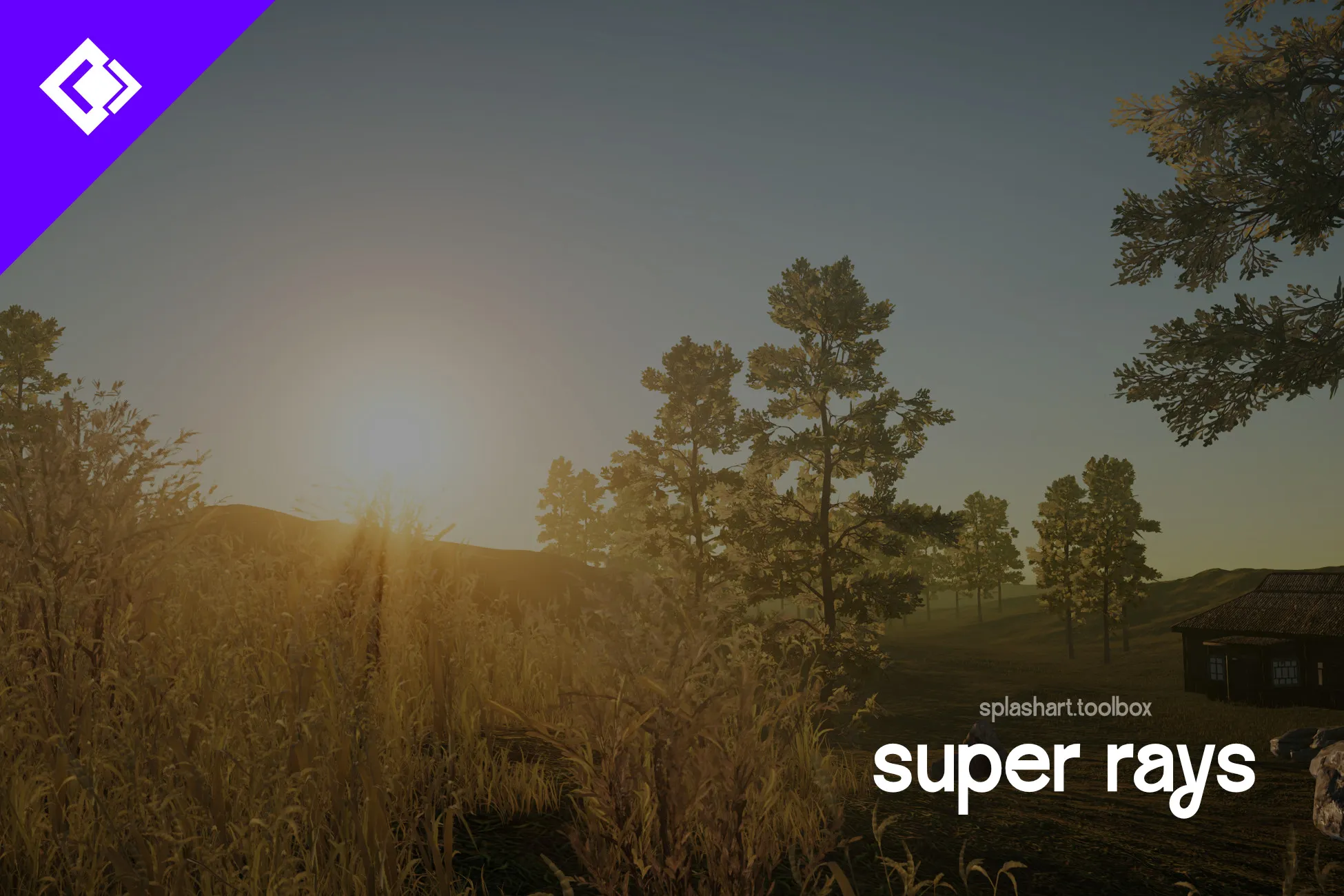
Super Rays draws god rays (sun shafts) from your main Directional Light in URP. With the light color option on, a warm sunset light gives warm rays.
The rays are computed in screen space and fade out once the sun leaves the screen. You can adjust the fade. It needs URP 17 with Render Graph and Depth Texture enabled (no Built-in or HDRP) and was tested on Unity 6.3 (6000.3.16).
Requirements & compatibility
URP 17 with Render Graph and Depth Texture. Tested on Unity 6.3 (6000.3.16). Built-in and HDRP are not supported.
Super Rays: questions & answers
How does Super Rays create sun shafts?
Super Rays computes god rays in screen space from the main Directional Light. The optional light color setting lets the rays follow the color of that light.
What happens when the sun leaves the screen?
The rays fade out when the sun leaves the screen. You can adjust the fade; the effect is computed in screen space.
Which Unity versions and pipelines are required?
Super Rays requires URP 17 with Render Graph and Depth Texture enabled. It was tested on Unity 6.3 (6000.3.16). Built-in and HDRP are not supported.